Color Splash Master
Make one color pop
Download on the App Store
Free to use. PRO is one purchase, no subscription.
Let one detail steal the show
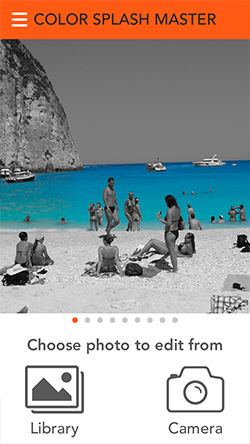
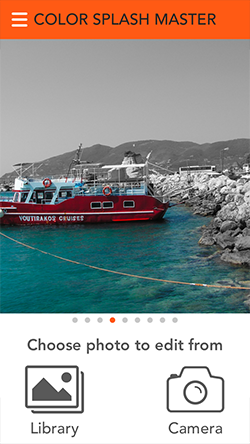
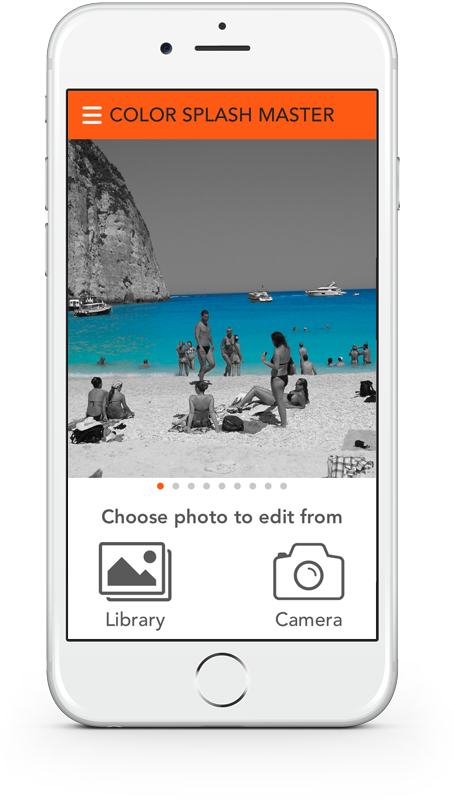
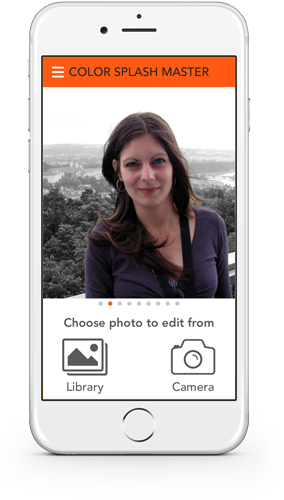
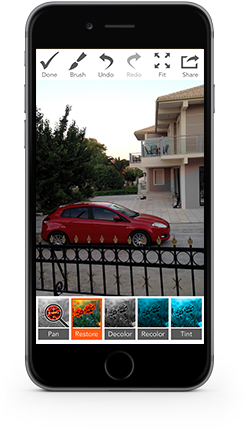
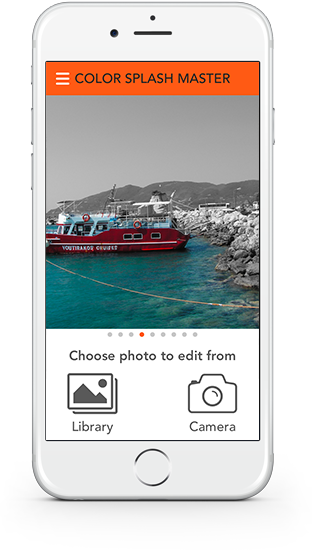
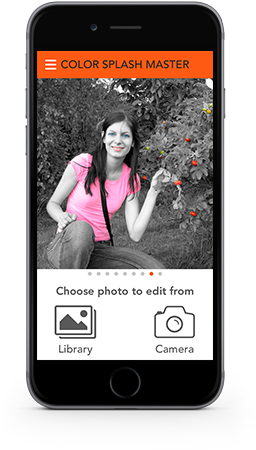
A red car on a gray street, blue eyes in a black and white portrait, one bright flower in a gray garden. Color Splash Master turns your photo black and white and lets you bring the color back exactly where you want it. Paint with your finger, or let Smart Select find the subject for you in one tap. Then save the result in full resolution or share it right away.
Top Features
-
Smart Select
Find people, animals and objects in one tap, or pick every area of a similar color.
-
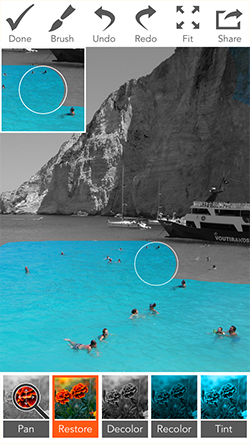
Paint with your finger
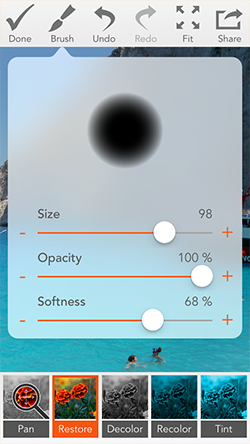
Soft brushes with adjustable size, opacity and softness for precise edges.
-
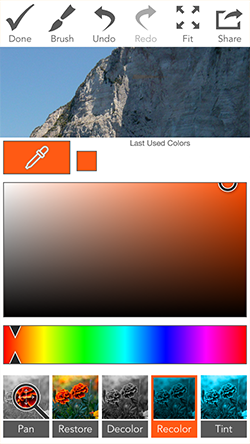
Change the color
Recolor and Tint turn a red car blue or a blue sky purple, keeping light and shadows.
-
53 filters
Shift hues, tones and moods with a live preview and fine-tuning sliders.
-
Full resolution
Your photo is edited and saved at its original size, so every detail stays sharp.
-
Private
Photos are edited on your device and never uploaded. No account needed.

Precise down to the pixel
-
Zoom & Pan
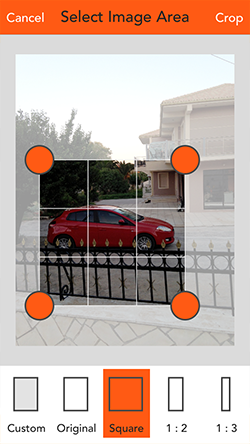
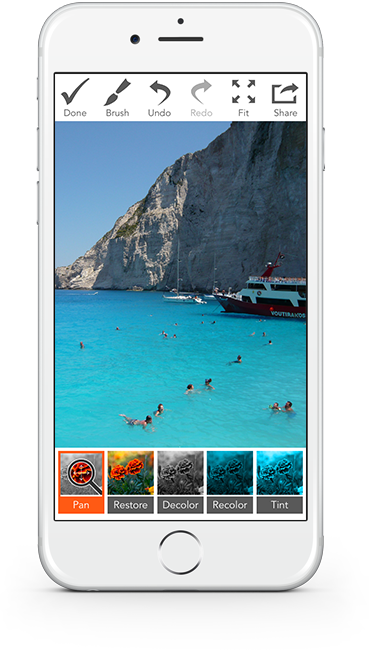
Pinch to zoom into the smallest details and move around with two fingers.
-
Brush settings
Size, opacity and softness, with − and + buttons for fine-tuning.
-
Mini Preview
See what is under your finger while you paint.
-
Undo, Redo & Compare
Step back as often as you need and compare with the original at any time.



Four tools, endless looks
-
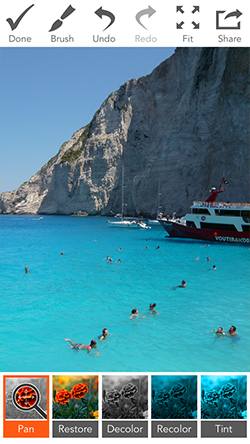
Restore
Brings back the original colors where you paint.
-
Decolor
Turns areas black and white again, for clean edges.
-
Recolor (PRO)
Paints any color you choose over parts of the photo.
-
Tint (PRO)
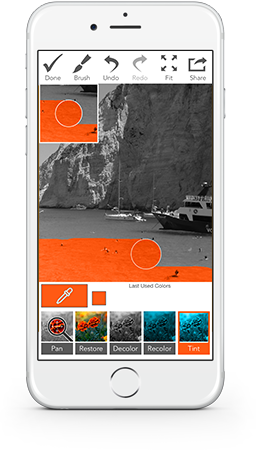
Changes the color and keeps the original light and shadows.
PRO is a one-time purchase, not a subscription: Recolor and Tint, all 53 filters, unlimited Smart Select, no ads and no watermark.
Screenshots